Account Alias makes it easier to sign in as an IAM user without remembering you’re account ID
Prerequisites: Having a valid AWS Account (Follow the step in this link to create an AWS Account) How to Sign Up for a new Amazon Web Services Account
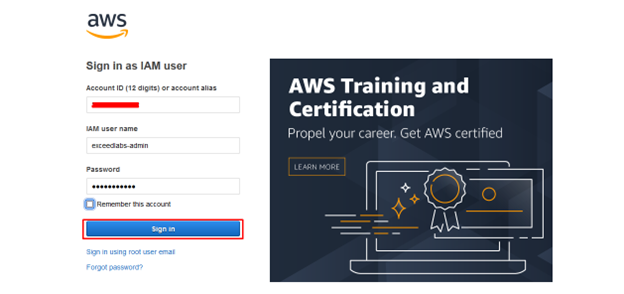
Sign in in AWS console as IAM user
Login to the AWS management console (https://console.aws.amazon.com/) with our IAM user
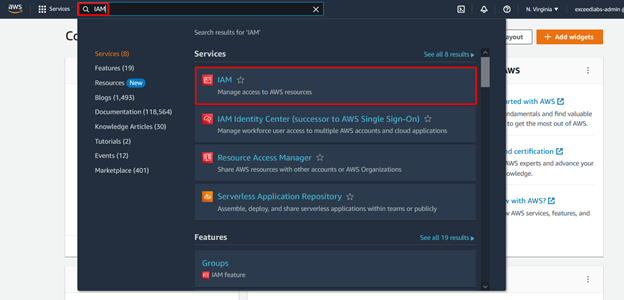
In the search bar type IAM / Select IAM
Find your AWS Account information / Find Account Alias / Click on Create

Enter your Preferred alias and click on Save changes
Note your new sign-in URL

Sign out to test your new Account Alias
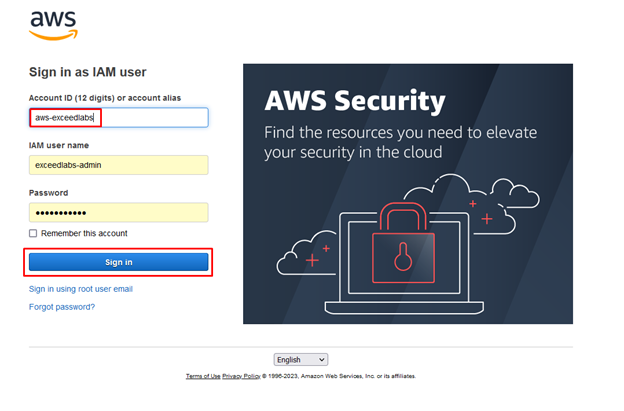
At the place of your account ID, enter your new account alias / Enter your IAM username and password / Click Sign in
Enter your MFA code / Click Submit

Confirm you are now in AWS Console with Account Alias name

Leave a Reply